
Privacy
Where your glucose data goes: a privacy checklist
Understand local records, Apple Health access, optional meal scans and exported files before deciding what to share.
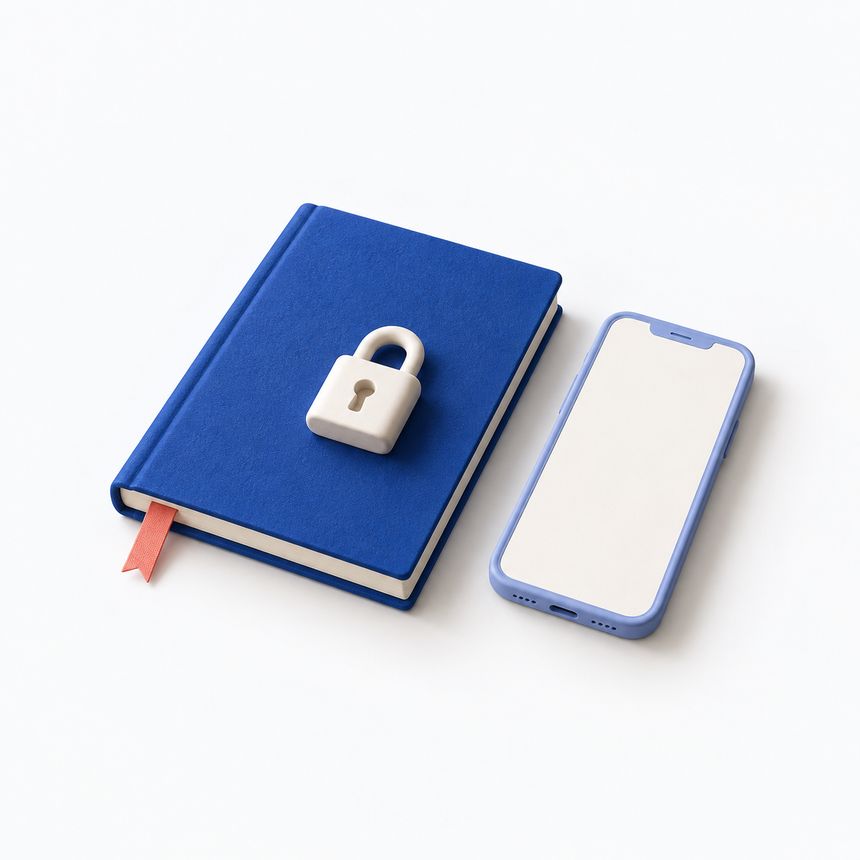
A privacy check starts with a simple question: which feature sends which data? Saving a reading, allowing Apple Health access and sending a meal photo for analysis are different actions. Review them separately instead of treating one privacy label as a complete explanation.
Separate local records from optional connections
Glucose and Blood Sugar Track keeps health records on your device by default. Data sharing depends on the feature you enable: Apple Health can exchange permitted data, Apple Watch and widgets display selected information, and exports create files you can share.
Local storage does not mean that every feature works without a network. The app also uses non-health product analytics and Apple’s attribution frameworks. Its privacy policy describes these uses. “No account needed” and “no information ever leaves the phone” are different claims.
Review Apple Health permissions by data type
Apps must request permission to read or write Apple Health data. Apple explains that you control this access. Review the requested categories and whether access is for reading, writing or both.
When you change your mind, revisit the app’s permissions in Health. Consider what you want each connected app to do. An app that writes a reading and an app that displays it have different roles, even when they show the same number.
Changing a permission controls access. Do not assume that it deletes records already copied to another app or files you previously exported. Check each destination if your goal is to remove existing copies.
Treat meal scans and display scans differently
The meter and scale display scanner processes camera images on the device. You review the detected value before saving it. AI Food Scan is a separate optional Premium feature: the meal photo and note are sent for processing when you choose to scan.
Before submitting a meal image, check its background and the note you attached. Remove unrelated personal details. Read the current policy for the processing service and its provider’s retention terms rather than assuming that a photo disappears immediately after a result appears.
The scan produces a nutrition estimate, not a verified measurement or dietary prescription. You can use the diary without treating an estimate as an exact fact.
Check the places a copy can remain
Check exported reports, shared devices and visible widgets too. Open a report before sending it, choose its recipient deliberately and consider what appears on your Lock Screen. The most private sharing choice depends on where that information will be visible.
Keep these questions handy when you enable a feature: What is being shared? With whom? For what purpose? Where can I change that choice? The report checklist covers exported copies, while the reminder guide covers notification settings. Check the current privacy policy when a feature changes.
Review each photo before sending it
Suppose you photograph lunch at a shared table. The plate may be the intended subject, but a prescription label, a person’s face or a document can also appear in the frame. Crop or retake the picture before choosing an analysis feature if those details are unnecessary. A note can also contain personal information that the meal estimate does not need.
In Glucose and Blood Sugar Track, saving a meal photo and choosing AI Food Scan are different actions. The scan sends the photo and note for processing. The meal photo guide explains what an image can show and what remains uncertain. You can keep useful food notes without treating automated analysis as a required step.
Read a permission request at the moment it appears. Consider the feature you are using and what access it asks for. When helping someone else set up the app, let them make those choices for their own records. Only they can decide which information they are comfortable displaying or sharing.
A personal tracking tool, not a medical device. The app does not measure blood sugar or provide medical advice. Review scanned values and food estimates before saving.
Download on the App Store
Can Apple Watch measure glucose? Check what the ad is really saying
Distinguish glucose measurement, a CGM reading displayed on a watch, and manual app logging before trusting a smartwatch claim.
↗
Set up logging reminders that fit your day
Use reminders as practical prompts, check iPhone notification settings, and keep missing entries honest without chasing a perfect streak.
↗
Before you share a glucose report: a practical checklist
Choose the date range and format, review the exported file, and confirm the recipient before sharing your glucose report.
↗