Your readings, in context
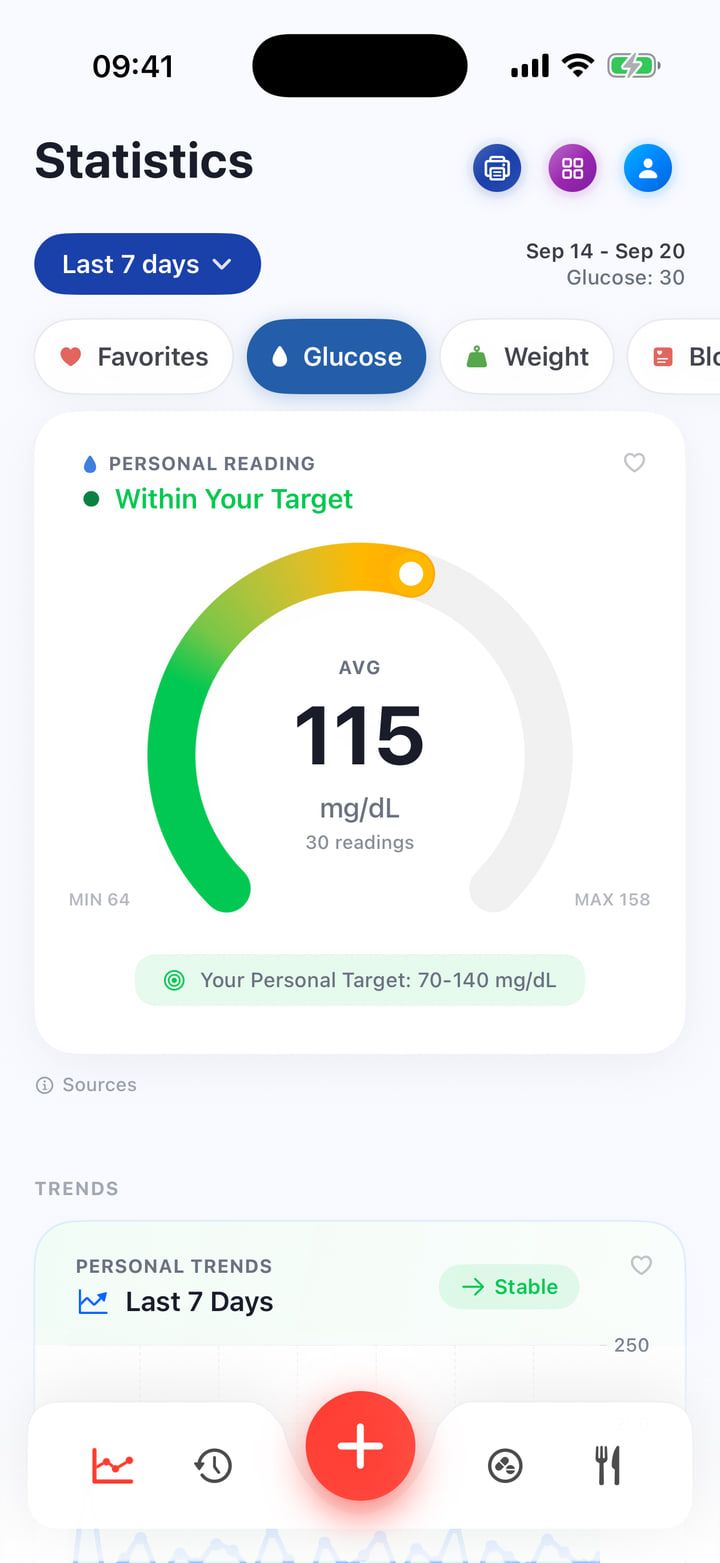
Log glucose in mg/dL or mmol/L. Browse your history and see your readings over time.

YOUR DAY. A LITTLE CLEARER.
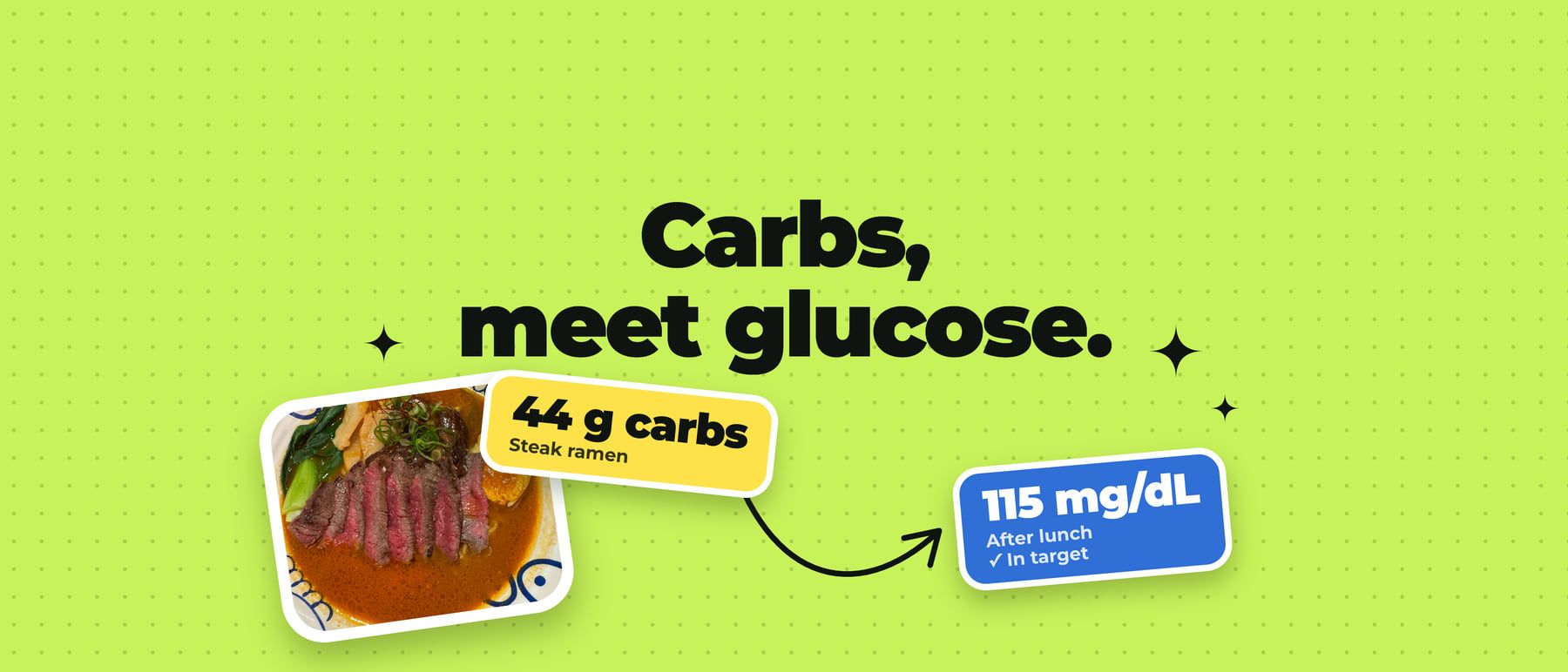
Keep meals, carbs and glucose readings in one diary. Add medication and everyday notes so the details are there when you look back.
01 / The app
Keep your readings alongside meals, medications and notes about your day.
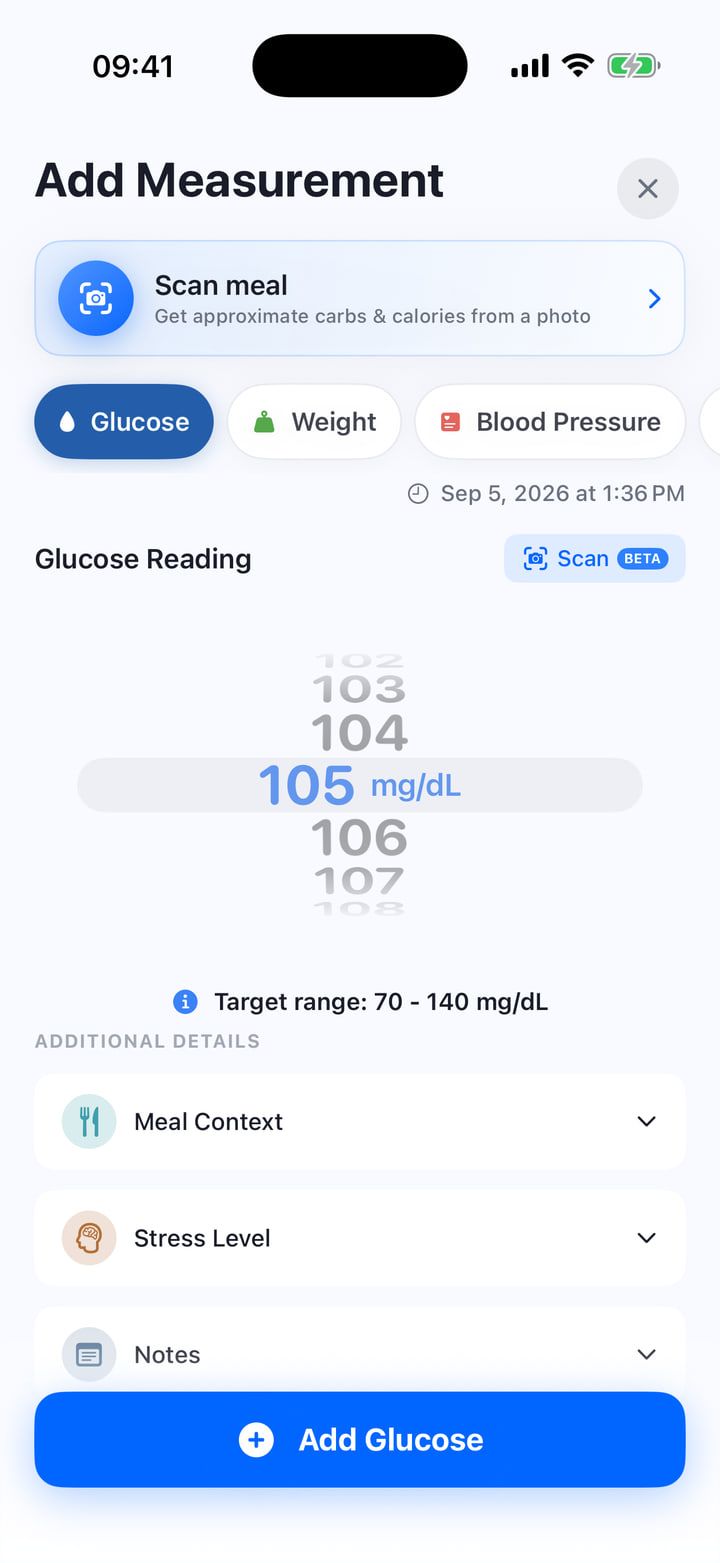
Log glucose in mg/dL or mmol/L. Browse your history and see your readings over time.
Keep a food diary with photos and macros. With Premium, the optional AI food scan estimates nutrients for you to review.
Set reminders and record the doses you take. Premium adds unlimited medications and medicine supply tracking.
Bring your records to an appointment with Premium PDF and CSV reports. You choose what to share.
02 / Screens
Readings, meals, doses and reports, the way the iPhone app shows them.Choose a screen to enlarge it.
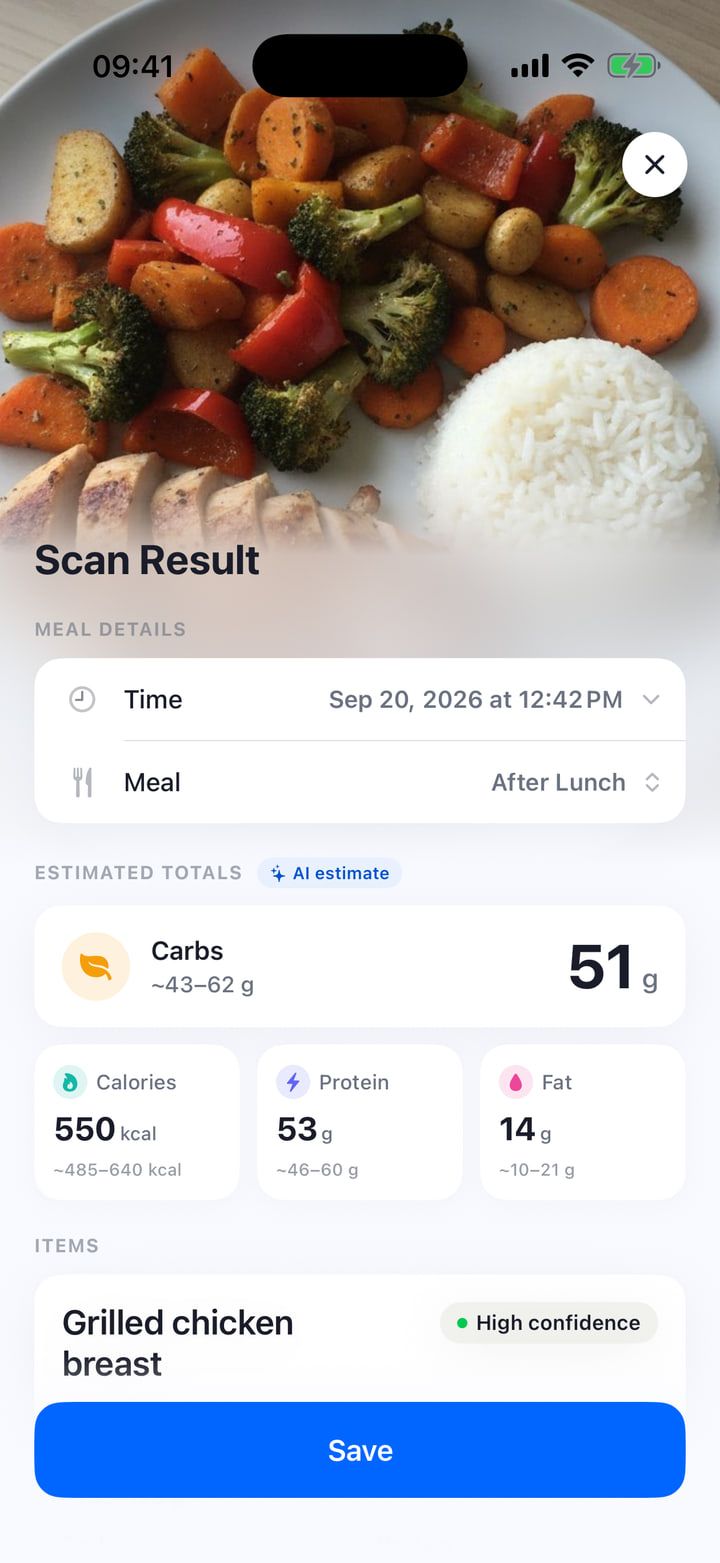
The scan gives carbs, calories, protein and fat as ranges. Check them before you save.
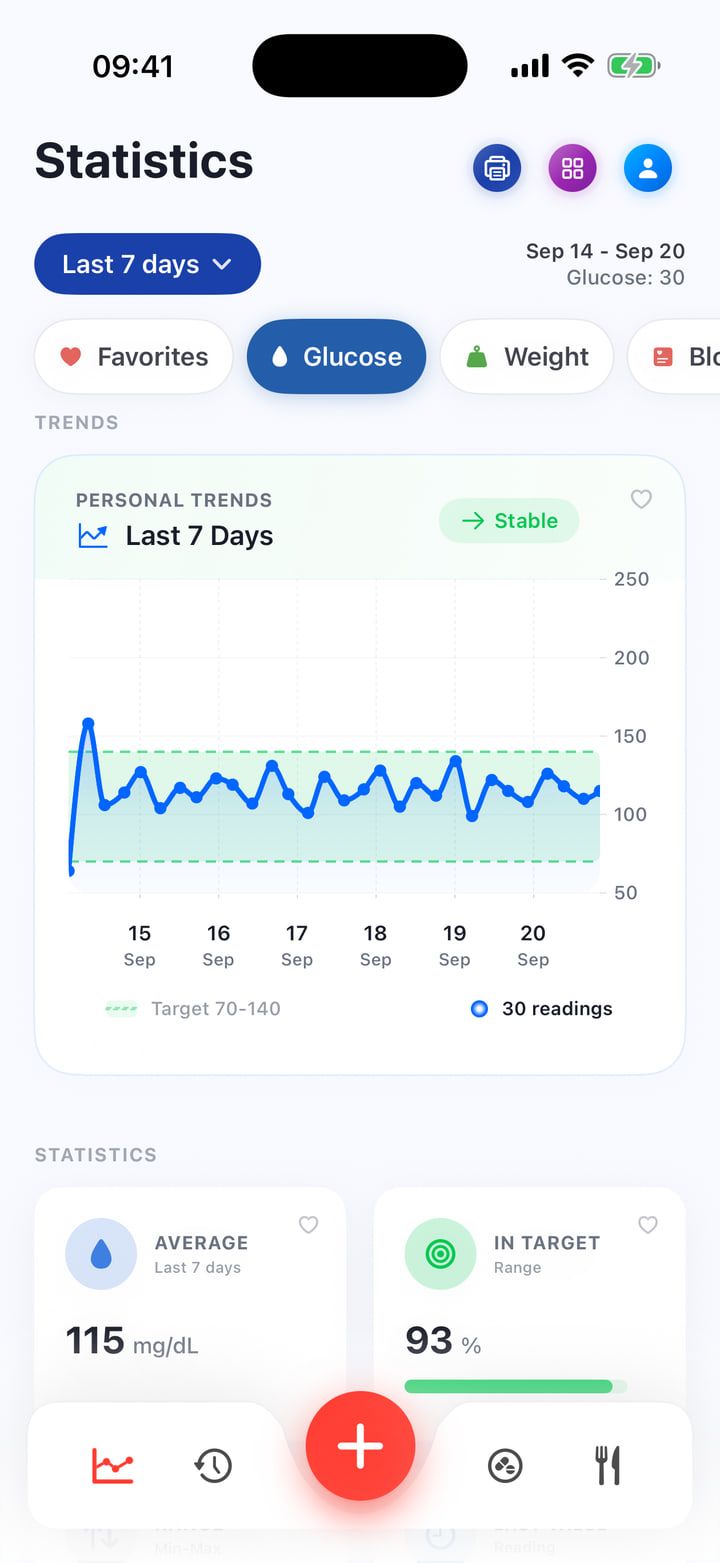
The chart shows your average and how many readings were in your target range.
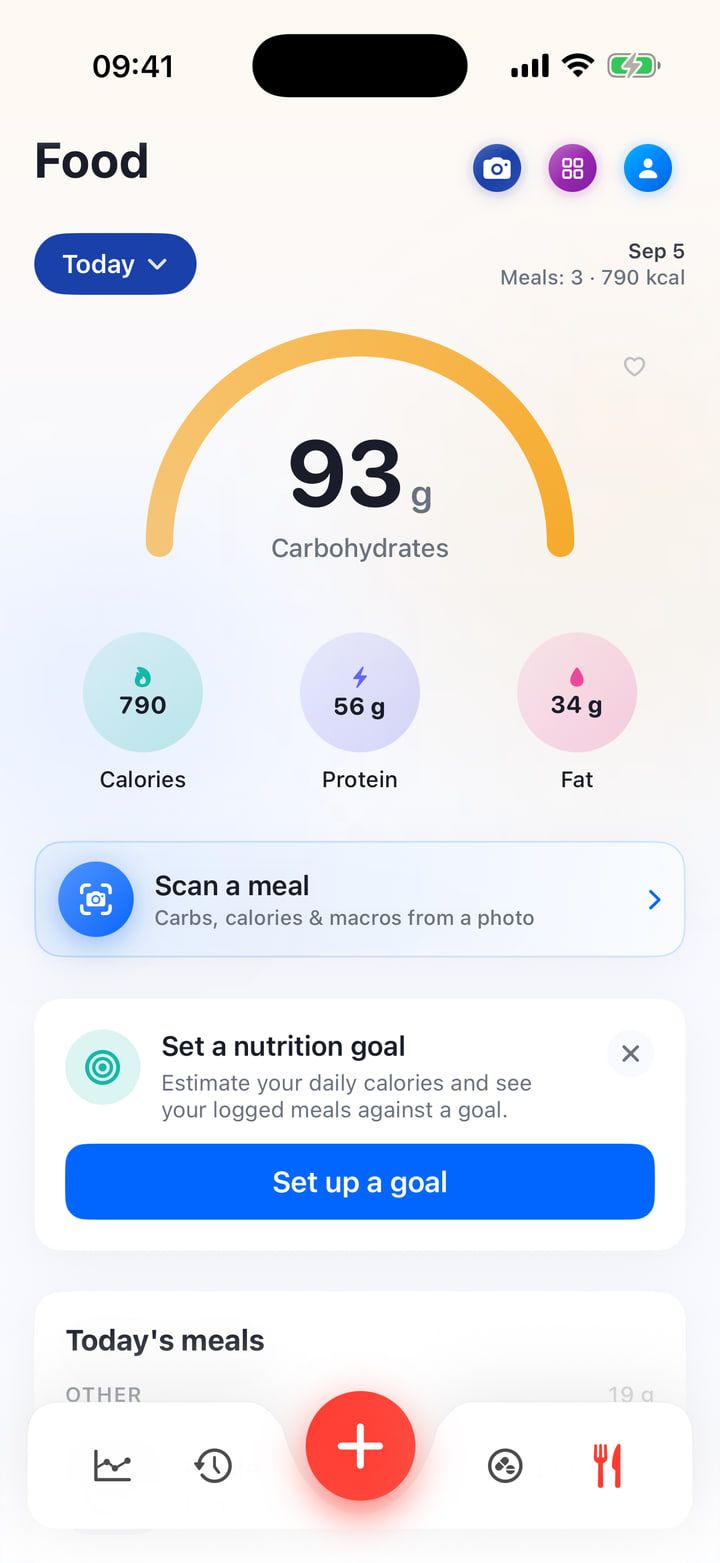
Every meal you log adds to the totals for the day, with carbs at the top.
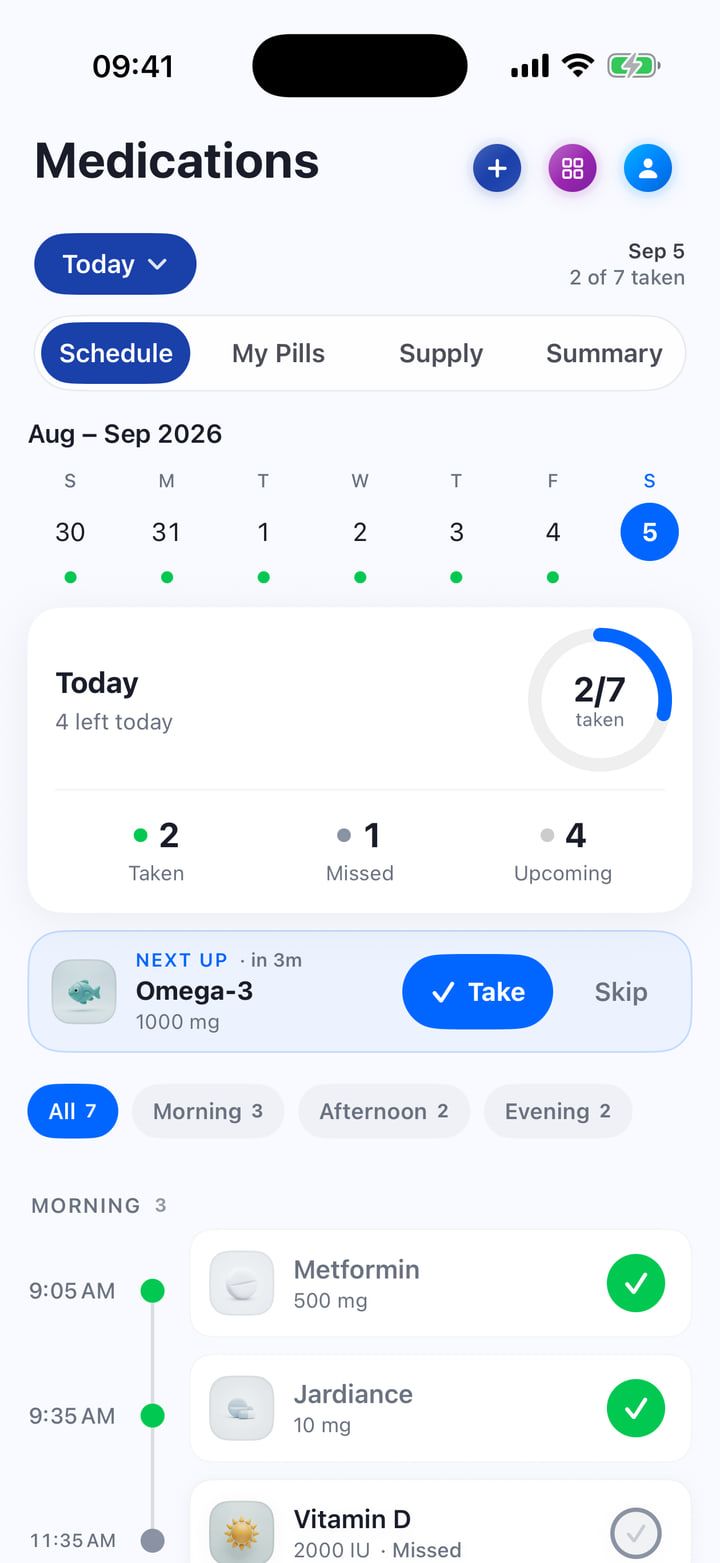
Mark each dose as taken or skipped, and see which ones are still ahead.
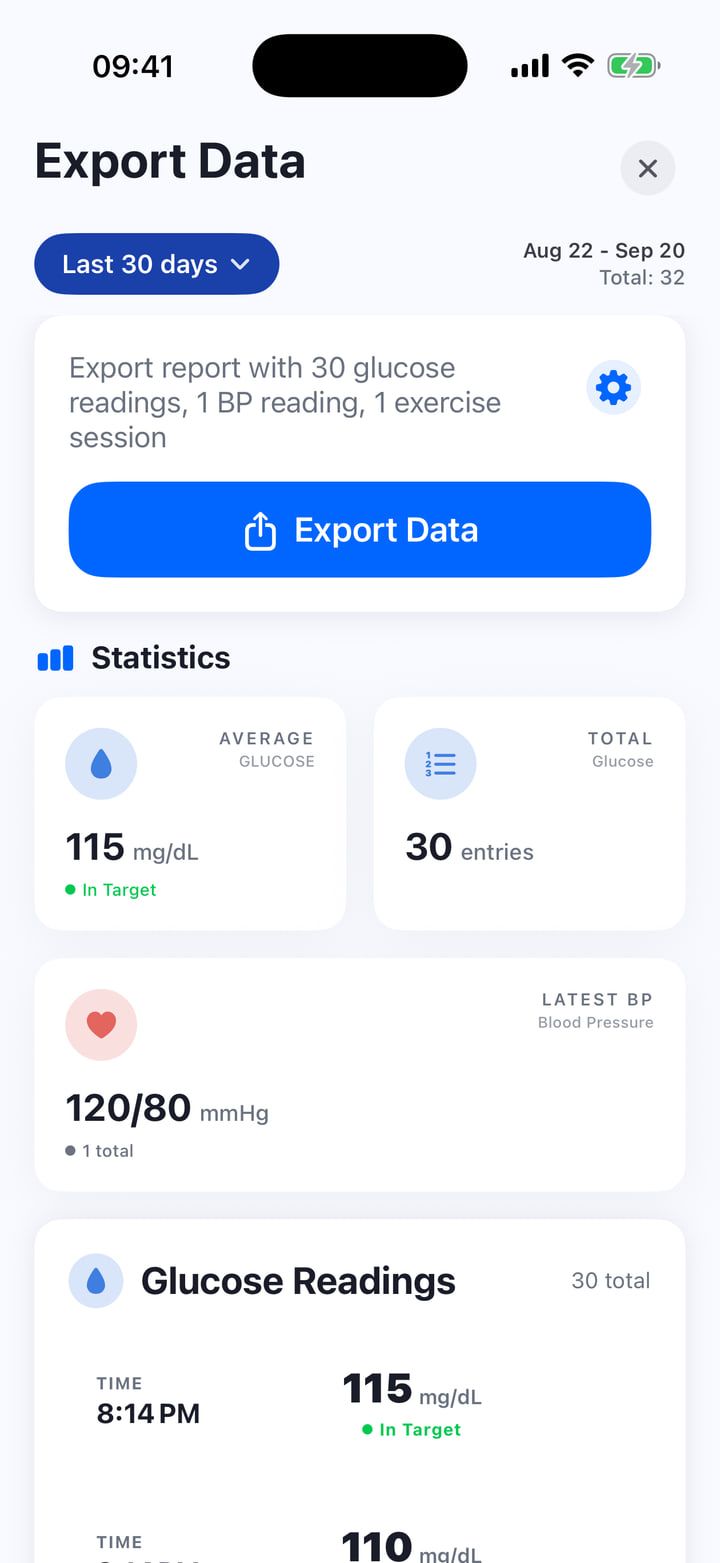
Pick a date range and the fields to include, then export a PDF or CSV file.
Real app screens · all values are example data
03 / Apple Watch & Apple Health
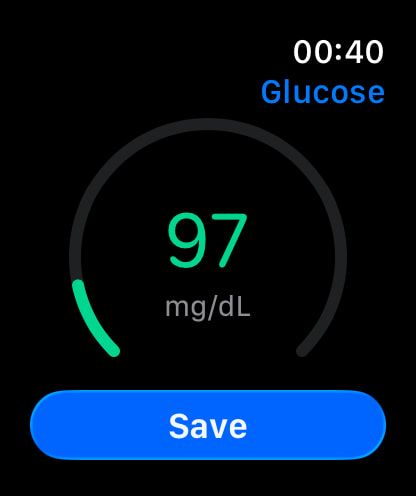
When the meter is in your hand and your phone is not, log the number on Apple Watch instead.
The Apple Watch app does not measure glucose. It saves readings you enter and shows the ones in your diary. Values on these screens are examples.
04 / Privacy
No account needed. Health records stay on your device by default. You choose Apple Health sync, exports and optional AI meal scanning. Meal photos and notes are sent for processing only when you submit a scan.
Privacy05 / Free + Premium
Unlimited glucose and health entries, food diary, basic statistics, full history, one medication and morning/evening reminders. Apple Health sync is optional and included for free.
Apple Watch app, food and display scanning, detailed insights, PDF/CSV reports, unlimited medications and custom reminders.
Premium is an optional subscription. Prices, trial eligibility and terms appear in the App Store before you subscribe.
06 / Questions
No. GlucoseTrack is a diary. You enter readings from your meter or another device, and supported data can come in through Apple Health if you connect it. The Apple Watch app does not measure glucose either.
Yes, both. Use the unit that matches your meter.
No. You can use the diary without creating an account.
Your health records stay on your device by default. You choose whether to connect Apple Health, export a report or use the AI meal scan. A scan sends the meal photo and any note for processing only when you submit it.
Take a photo of the meal and the AI scan suggests carbs, calories, protein and fat as ranges, not exact numbers. Review them against what you know about the meal before you save.
Yes. Export a PDF or CSV report with the fields you choose. You decide who gets the file.
An iPhone with iOS 18 or later. The Apple Watch app needs watchOS 11.6 or later.
07 / Journal
Practical reading on food diaries, medication records and the devices you use. No treatment advice.
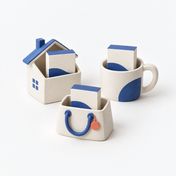
Reconcile a medicine kept in more than one place, count each unit once and distinguish moving existing stock from adding a new supply.
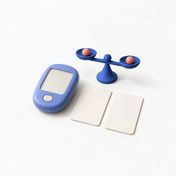
How to convert mg/dL to mmol/L and back, why the result can be off by one, and how to keep value, unit and time together in your glucose log.
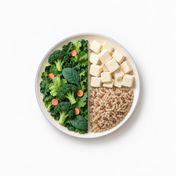
Understand the half-and-two-quarters plate guide, which vegetables belong where, and how a meal photo can help you ask more useful food questions.
